What Does "Unable to Place New Orders (001)" Mean?
If you see "This account is unable to place new orders. Please contact support if you feel you're receiving this message in error." followed by (001) or (002), an order restriction has been placed on your account. This guide explains what it means and how to get it lifted.
What (001) and (002) mean
Both codes come from the same restriction. The number only tells you where you saw it: (001) appears at checkout and (002) appears when adding something to your cart. If your card was authorized when the message appeared, that authorization is cancelled straight away, so you have not been charged.
An order restriction is placed on purpose. It is not a problem with your card and not a website error. It can happen automatically, for example after several declined payment attempts in a short time, or it can be placed by our team, for example while we look into a report about an account.
Note
While the restriction is in place, your domains and services will not renew automatically. If anything in your account is close to expiring, contact us soon so it is not left to expire.
The restriction also stops new auctions, bids, account transfers and registrations through the API. Everything you already have keeps working: your domains, DNS, email and hosting are not affected.
How to get the restriction lifted

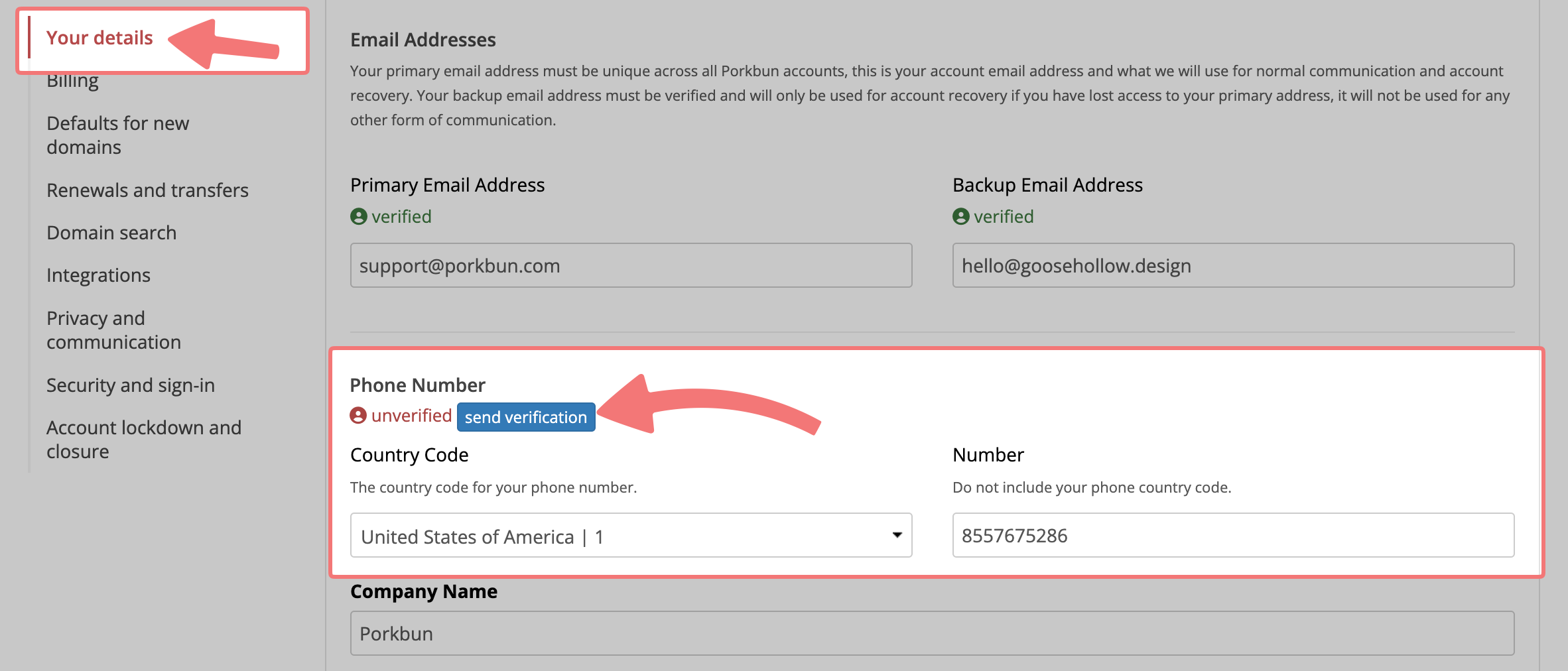
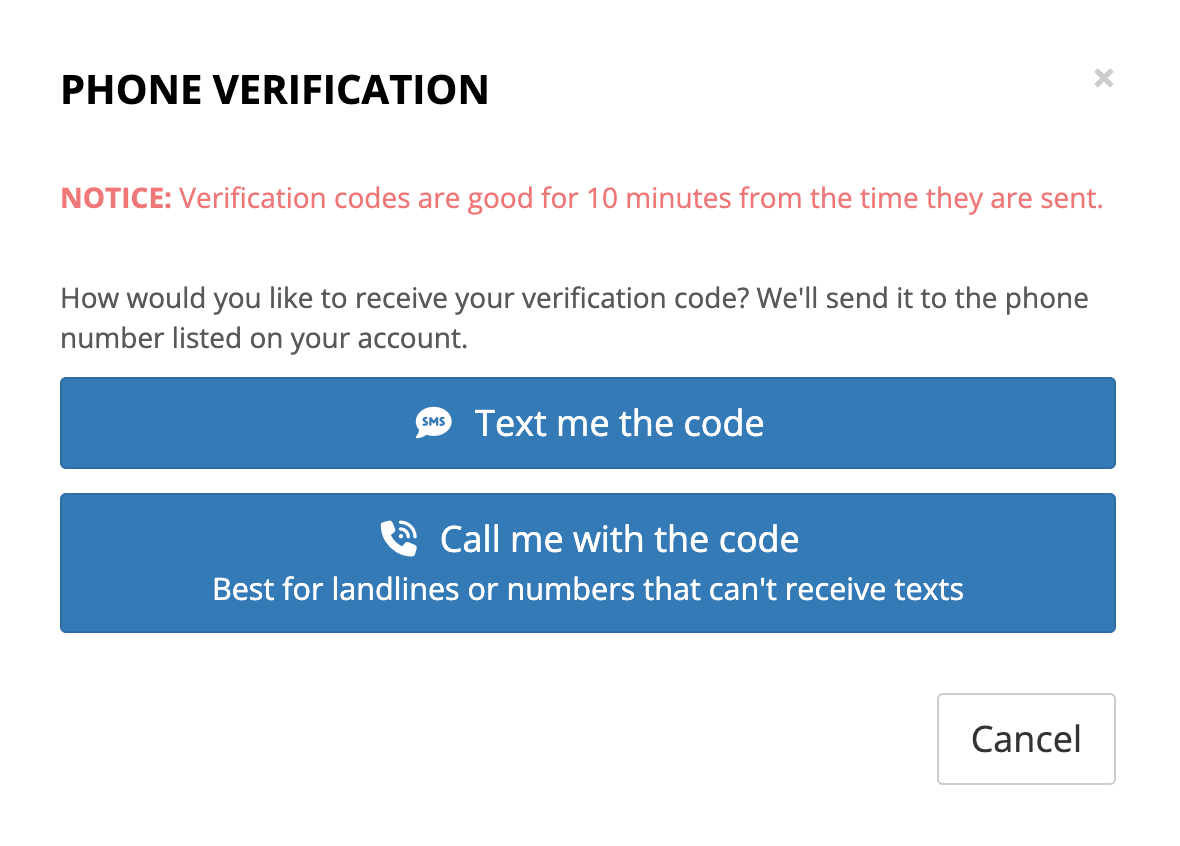

Only our team can remove an order restriction; there is no setting to lift it from your account. Feel free to reach out to our support team with any questions.