ID Verification Declined: How to Pass on Your Next Try
Some Porkbun accounts are asked to complete a photo ID verification (you can read why here). If yours was declined, this guide explains the most common reasons and what to do next.
Common reasons a verification is declined
- A photo of a screen. Photographing an ID shown on a phone, tablet or computer screen will be declined. Use the original physical document.
- The name does not match. The name on your account must match the name on your ID.
- The document is not accepted or not fully visible. Use a government-issued photo ID, passport, driver license or residence permit, and keep the whole document in the frame.
- The photo is unclear. Blurry pictures, glare on the document, or a dark room can cause a decline. Use good, even lighting.
If you were asked to verify while signing up
Before you start, the verification page shows the name and address from your account. Make sure they match the ID you are about to use, edit them if needed, and click Save changes. If your ID shows only one name, you can leave the last name empty. Then click Continue with ID Verification.
If this verification was declined, you will see a "Declined ID Verification" page. Contact our support team, or reply to any email from us about the verification. In many cases a team member can review it and approve it.
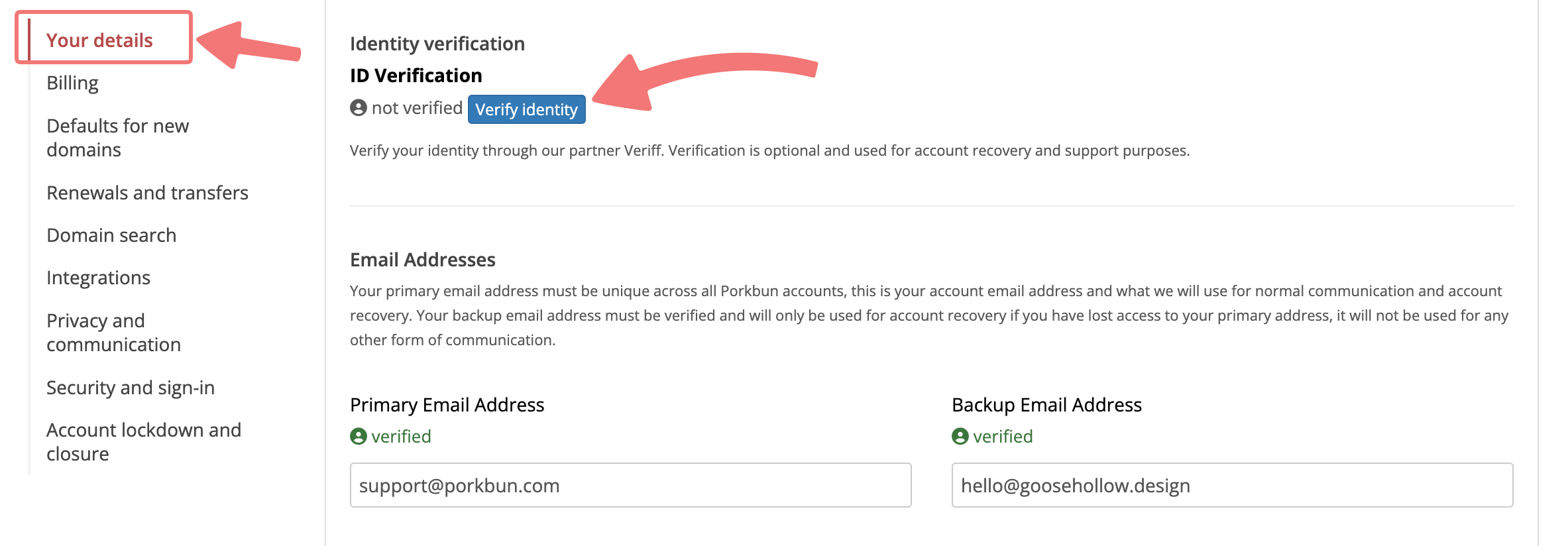
If you started a verification from Account Settings

Note
You can start one new verification per day and up to three in 30 days. If you reach the limit, contact our support team.
Verification usually finishes within a couple of minutes. If it is still pending after 24 hours, or you have any other questions, feel free to reach out to our support team.